Getting started with Clayze
The basics, in five minutes.
1. Set up your profile
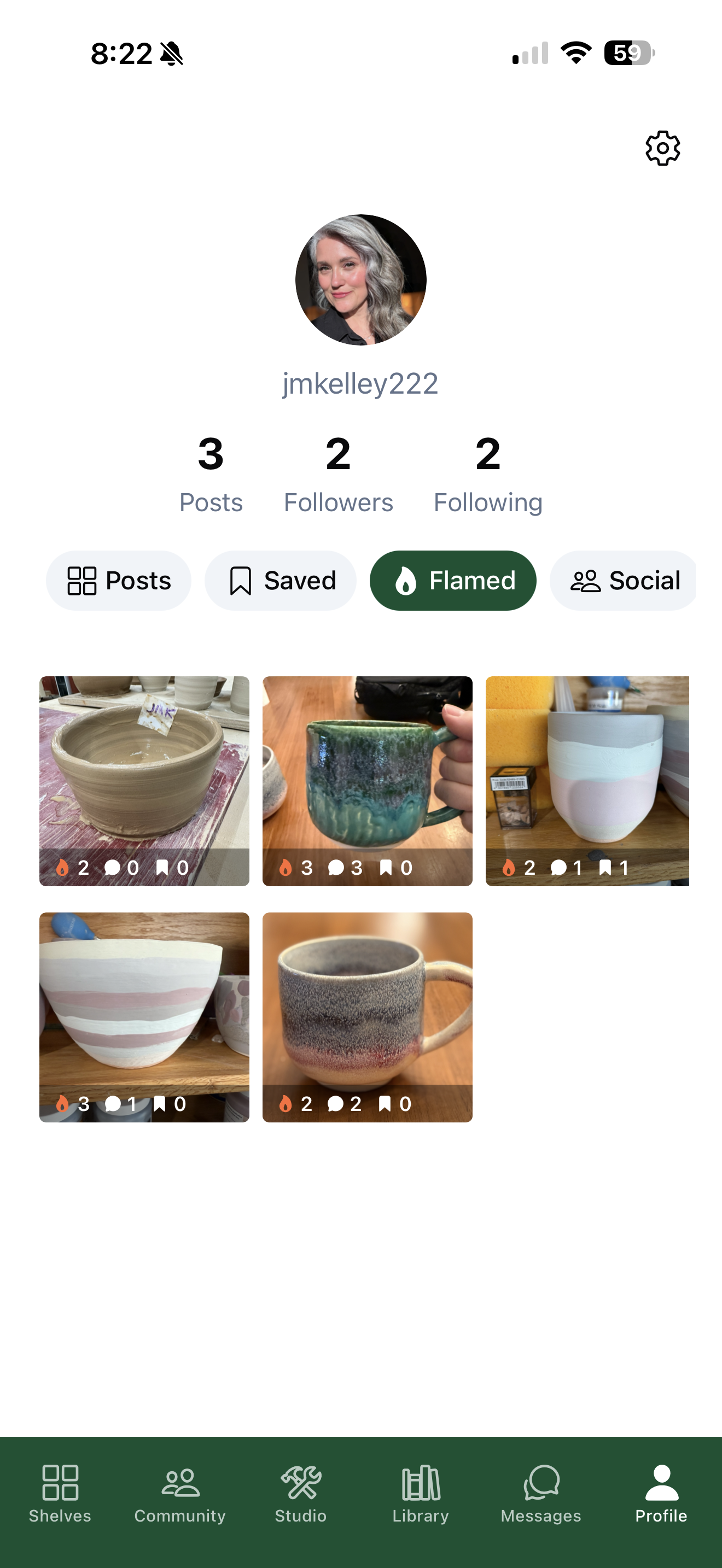
Add a username, a photo, and a short bio so other potters can find you. You can edit this anytime under Settings → Edit Profile.
2. Add your first piece
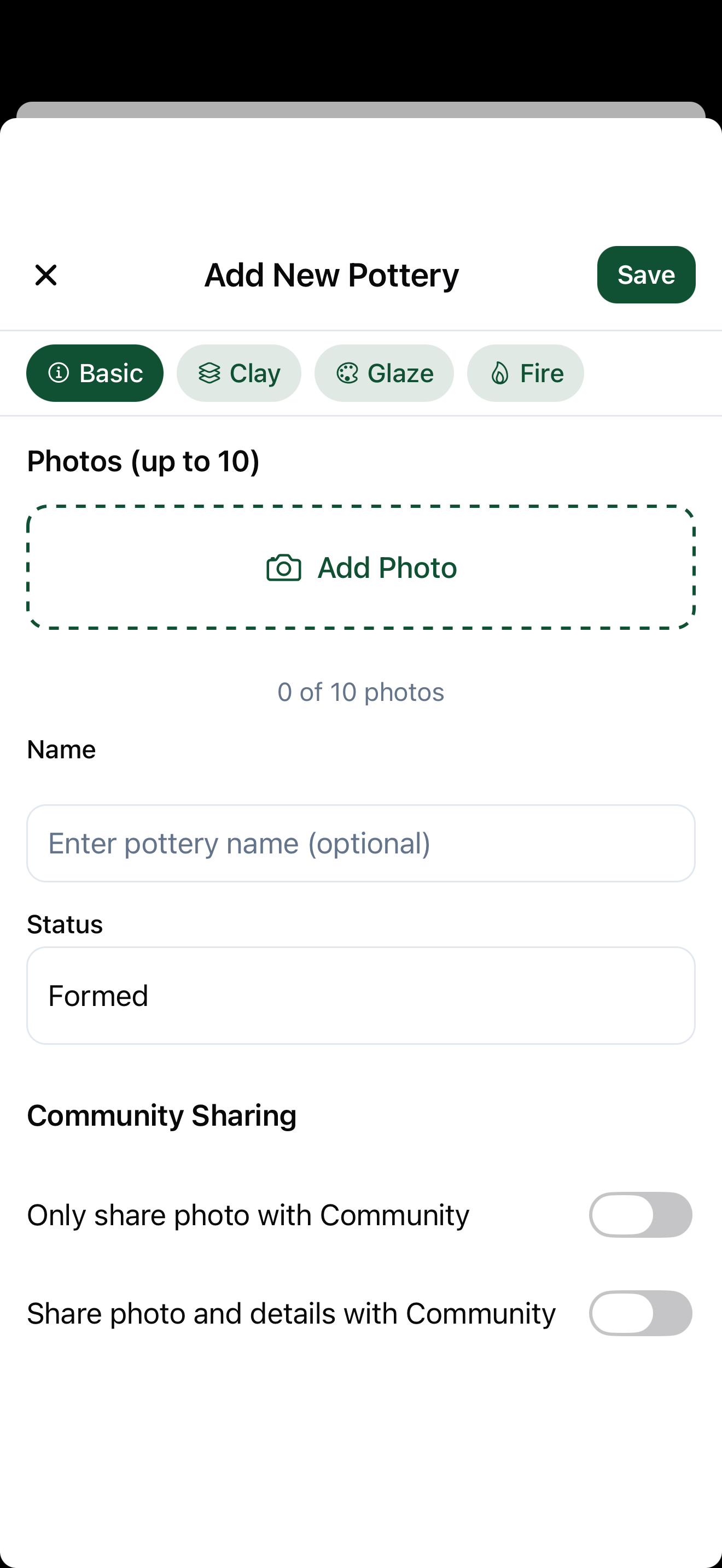
Tap the + Add button and snap or upload a photo of your work. Give it a title, and log the details you care about — clay body, glazes, and the cone you fired to. The more you record, the easier it is to recreate what works.
3. Track glazes & firings
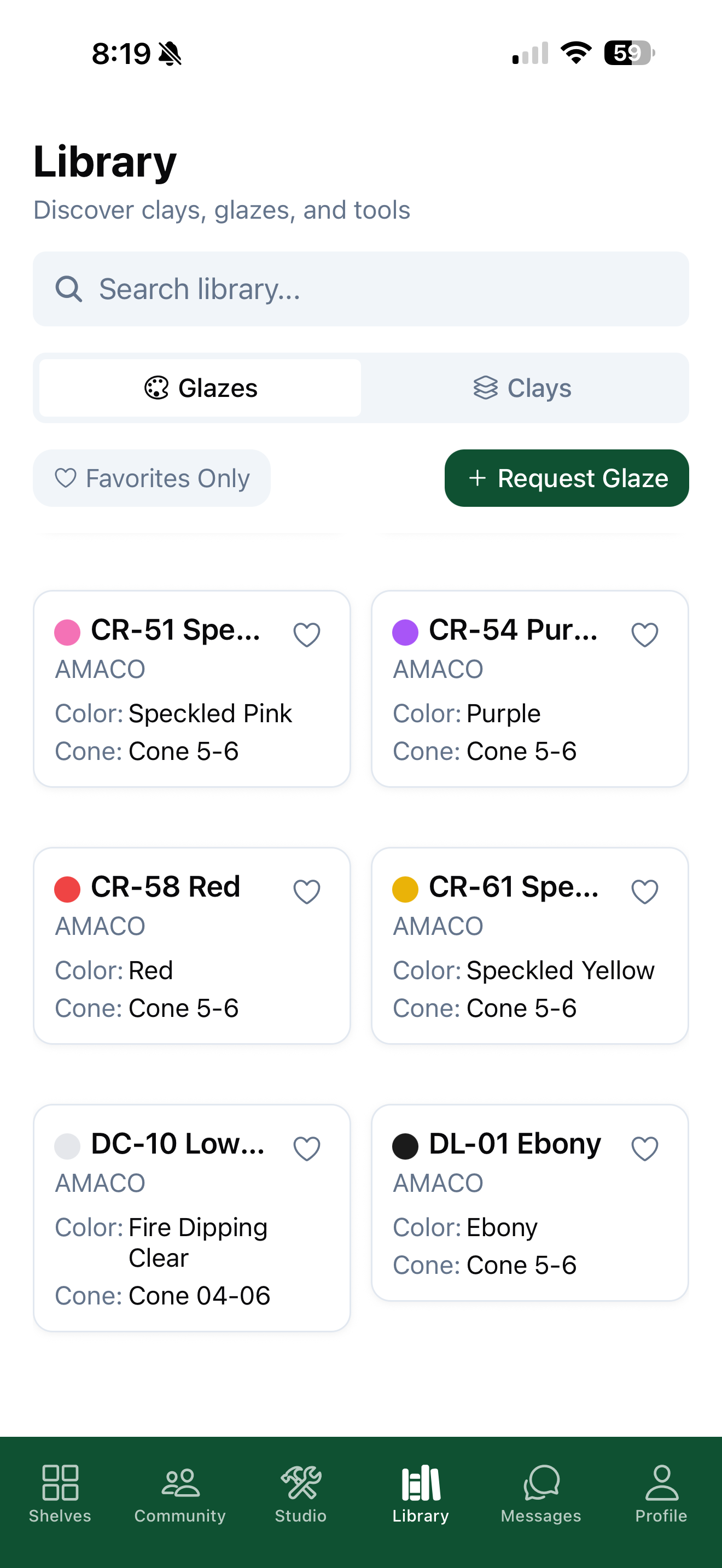
Build up a library of the glazes you use, with brand, color, cone range, and firing temps auto-filled. When you log a piece, pull from your glaze library so your results stay consistent over time.
4. Share with the community
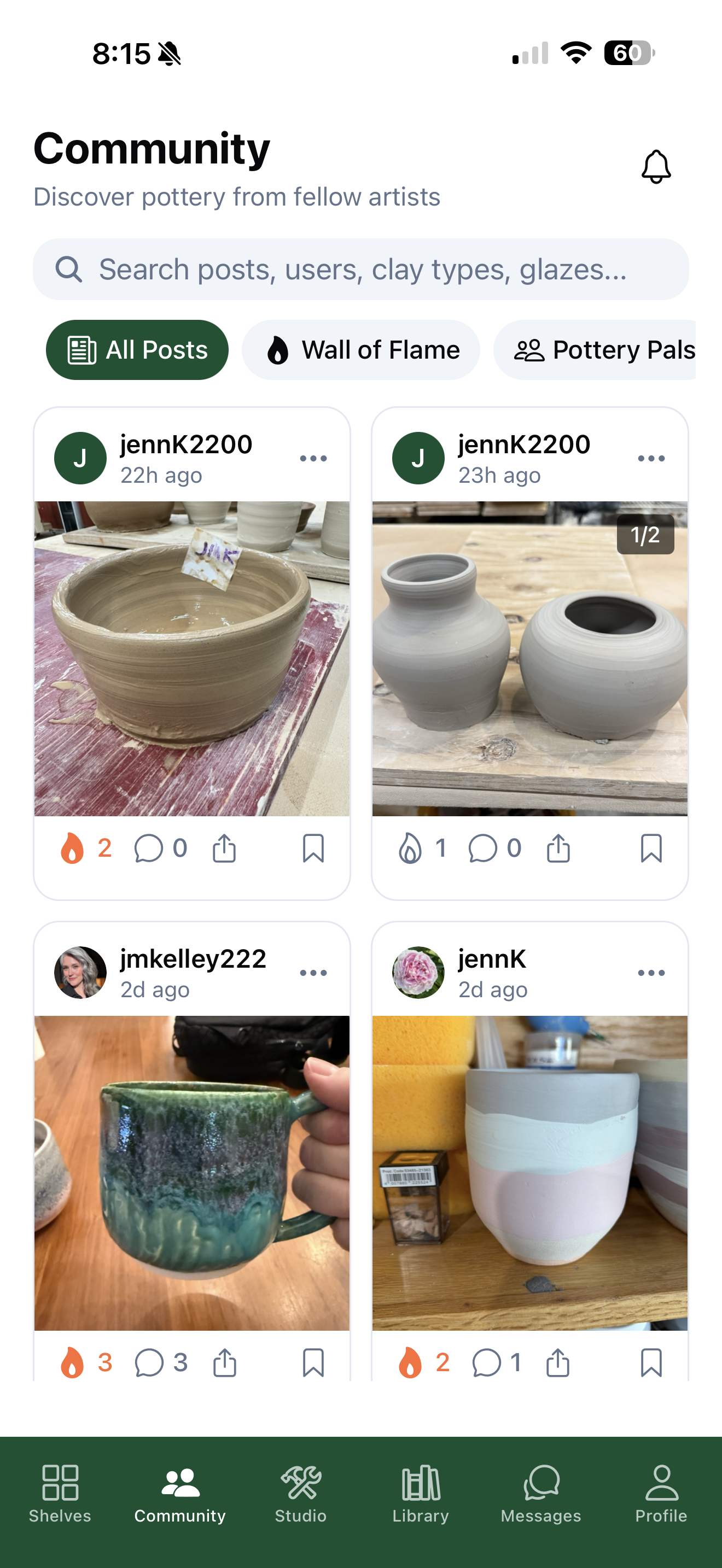
Proud of a piece? Share it to the community feed, where other makers can see it, leave a flame, comment, and follow your work. You decide what's public and what stays on your private shelf.
5. Connect with other potters
Follow makers whose work you admire, react to their pieces, and send direct messages. Turn on notifications to know when someone follows you or responds to your work.